Skim without opening
Move across any thumbnail to scrub through a clip. The right frame finds you before another player window can open.
● A media browser for content creators
Designed for content creators, Flicksy brings every clip, image, and sound into one beautifully fast Mac app. Skim, compare, organize, and drag the right moment straight into your editor.
14-day full trial · $24.99 once · all 1.x updates
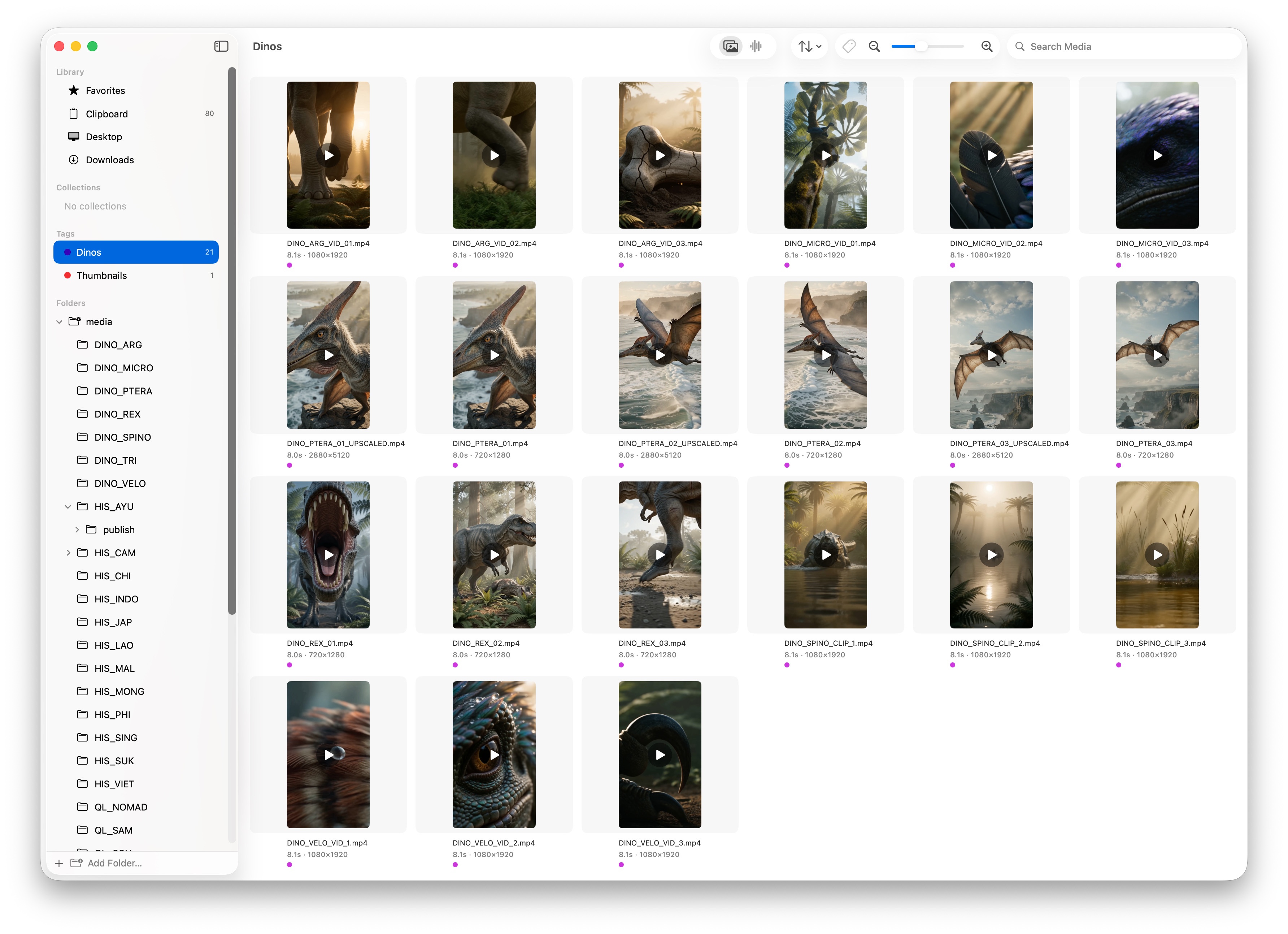
Mac native
Images, video, and audio live together in one fast, native view. Browse real folders and external drives without importing a library, learning a new interface, or moving a single file.
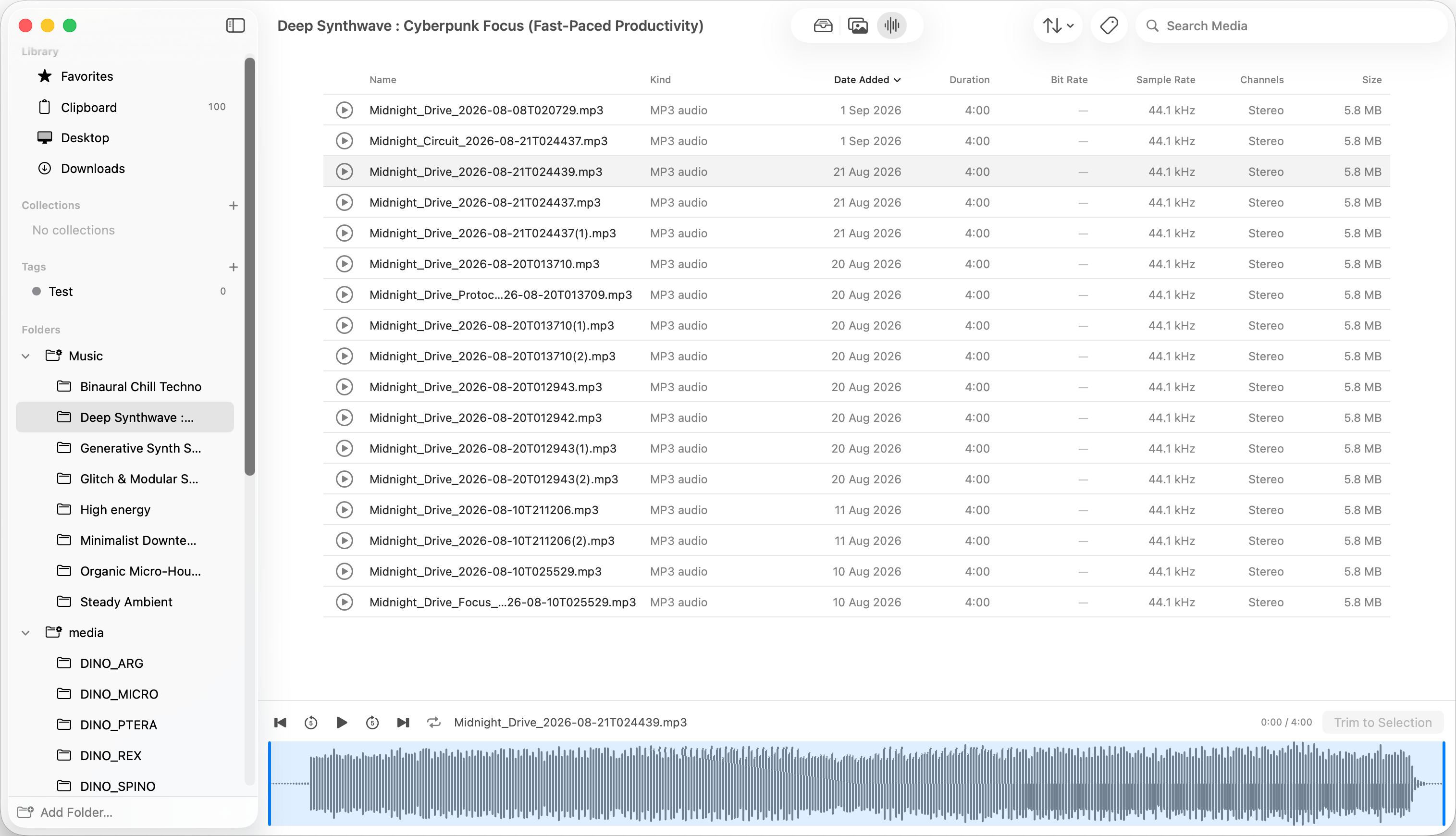
Made for momentum
Flicksy is keyboard-first by design. Press ⌘J to jump to any folder or collection, then use ⌘K for everything else—so the distance between “I know I have it” and “there it is” stays short.
Move across any thumbnail to scrub through a clip. The right frame finds you before another player window can open.
Audio appears as a waveform, ready to play from any point. Find the hit without auditioning a folder of filenames.
Favorite, tag, and collect media across folders while every original stays exactly where you put it.
Built-in adjustments
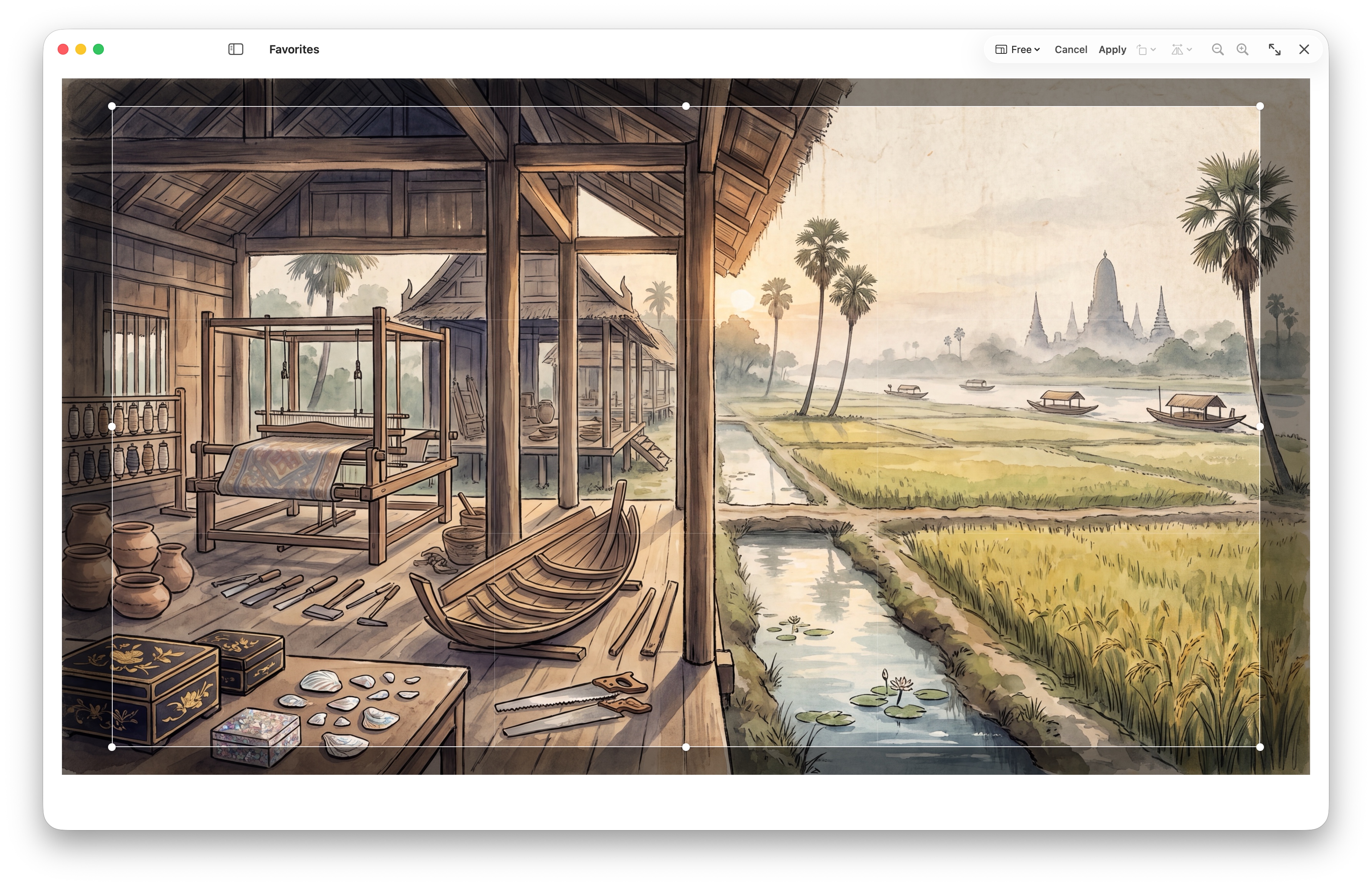
Preview, rotate, and flip an image, or crop with standardized guides for common print formats—all without leaving your media browser.
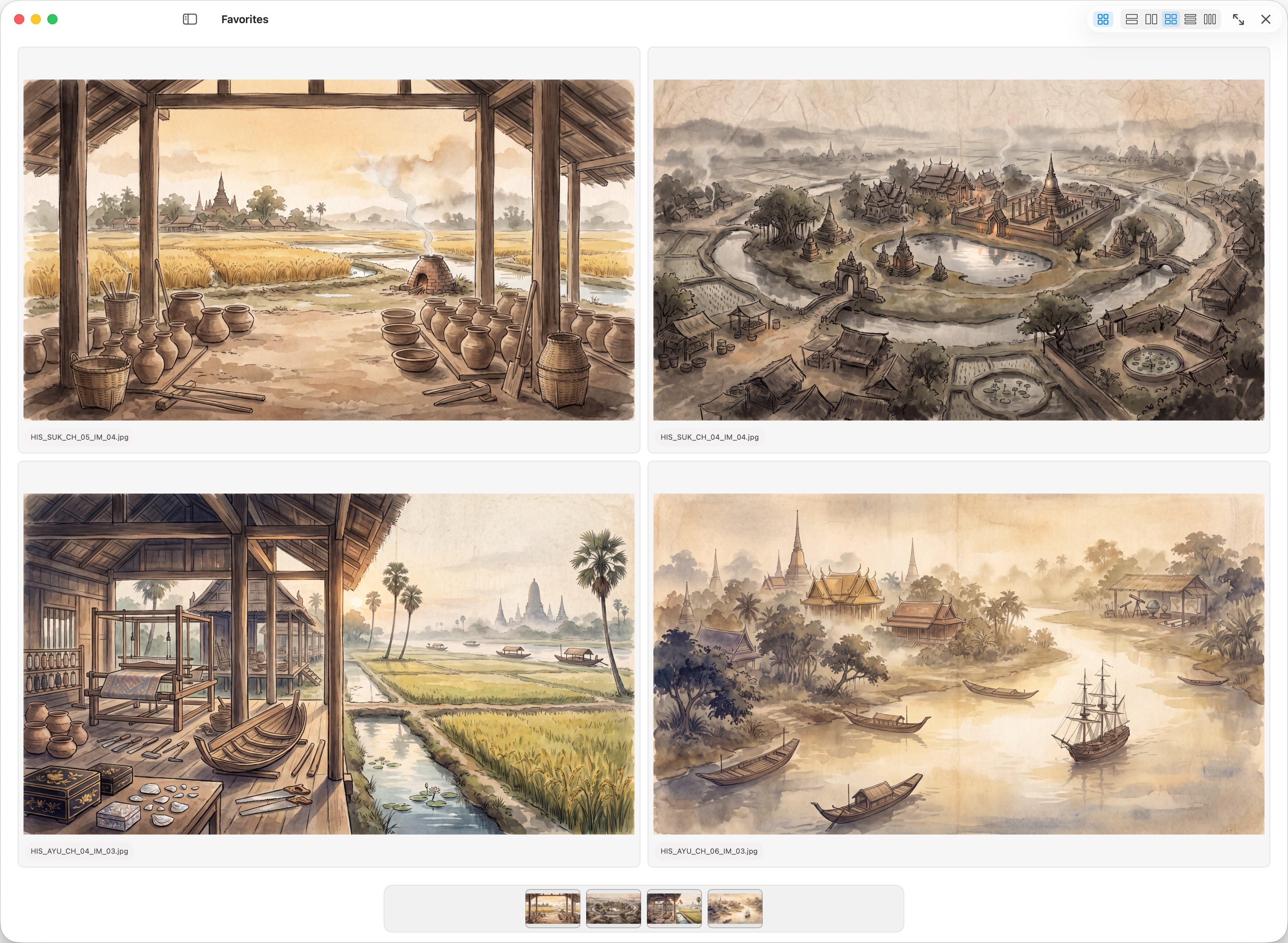
Made to compare
Finder can select images. Preview can open them. Flicksy lets you compare them in sensible layouts.
A layer, not a lock-in
Label media across folders, then see every matching item together.
Build working sets across projects while every original stays put.
Save the shots worth returning to with a single keystroke.
The full toolkit
Flicksy combines everyday file browsing with the media-first tools content creators reach for all day.
See images, video, and audio together in one fast, visual library.
Browse folders and external drives in place. Nothing is imported, copied, or uploaded.
Move across a thumbnail to skim a clip before opening a player.
Preview waveforms, loop a range, edit tags, and trim a selection in place.
Place up to four images together and change the layout until the best option is obvious.
Open a focused preview, then crop, rotate, or flip an image without changing apps.
Build useful working sets across folders without moving or duplicating originals.
Find media by name, filter by type, sort by metadata, and resize the thumbnail grid.
Automatically keep recent copied images ready to browse, reuse, and paste.
Drop media straight into Final Cut, Premiere, CapCut, or any app that accepts files.
Inspect dimensions, duration, dates, file size, bit rate, sample rate, and channels.
Rename, duplicate, copy, reveal, open with, paste, move, and trash using familiar shortcuts.
Simple by design
Fourteen days with the full app, then $24.99 once. No account, no subscription, and all 1.x updates included.
 Flicksy
A license key arrives by email and activates up to three Macs.
Good to know
No. Flicksy reads the folders already on your Mac and connected drives. Your files and folder structure stay untouched.
Neither. Flicksy is a fast, visual window onto local media. Nothing is uploaded and there is no library to maintain.
Flicksy is a native Apple Silicon app for macOS 15 and newer.
The complete app. The 14-day trial begins only when you start it, does not auto-renew, and never creates a charge.
No. After purchase, a license key arrives by email.
A license activates up to three Macs. Deactivate an old Mac from Flicksy before moving that seat to another.